
In our previous article, we explained how QTrace helps you find a misplaced mobile phone. Now, let’s explore how a QTrace purse tracker can help you keep track of your handbag. Its supported alerts and finding features can help you notice forgotten belongings during shopping, commuting, and travel.
Why Smart Handbag Security Matters
Your handbag often holds money, identity cards, keys, and other essentials. Therefore, losing it can disrupt your entire day. A Bluetooth purse tracker adds a useful reminder to your daily routine. It connects your tagged bag to your smartphone and helps you notice when they separate.
Busy surroundings can distract anyone. For example, you might leave your purse beside a café chair while answering a call. Similarly, you could forget your handbag at a shopping counter. A QTrace purse tracker can help you check your belongings sooner through supported separation alerts.
How to Set Up Your QTrace Purse Tracker
QTrace’s documented anti-loss features include a “Separation Alarm”. This feature alerts you when your paired phone and tracker lose their connection. First, securely attach a compatible QTrace device to your purse. Next, pair it with the supported tracking app on your smartphone.
Then, enable the relevant alerts and required permissions. Keep Bluetooth on and check the tracker battery. Also, test the connection before leaving home. These simple steps help you understand how the tracker works with your phone.
How Separation Alerts Help During Shopping
Imagine leaving your purse at a payment counter in a busy market. You might continue shopping without noticing the mistake. However, a supported separation alert can prompt you to check your bag. Consequently, you can retrace your steps sooner and ask the shop staff for help.
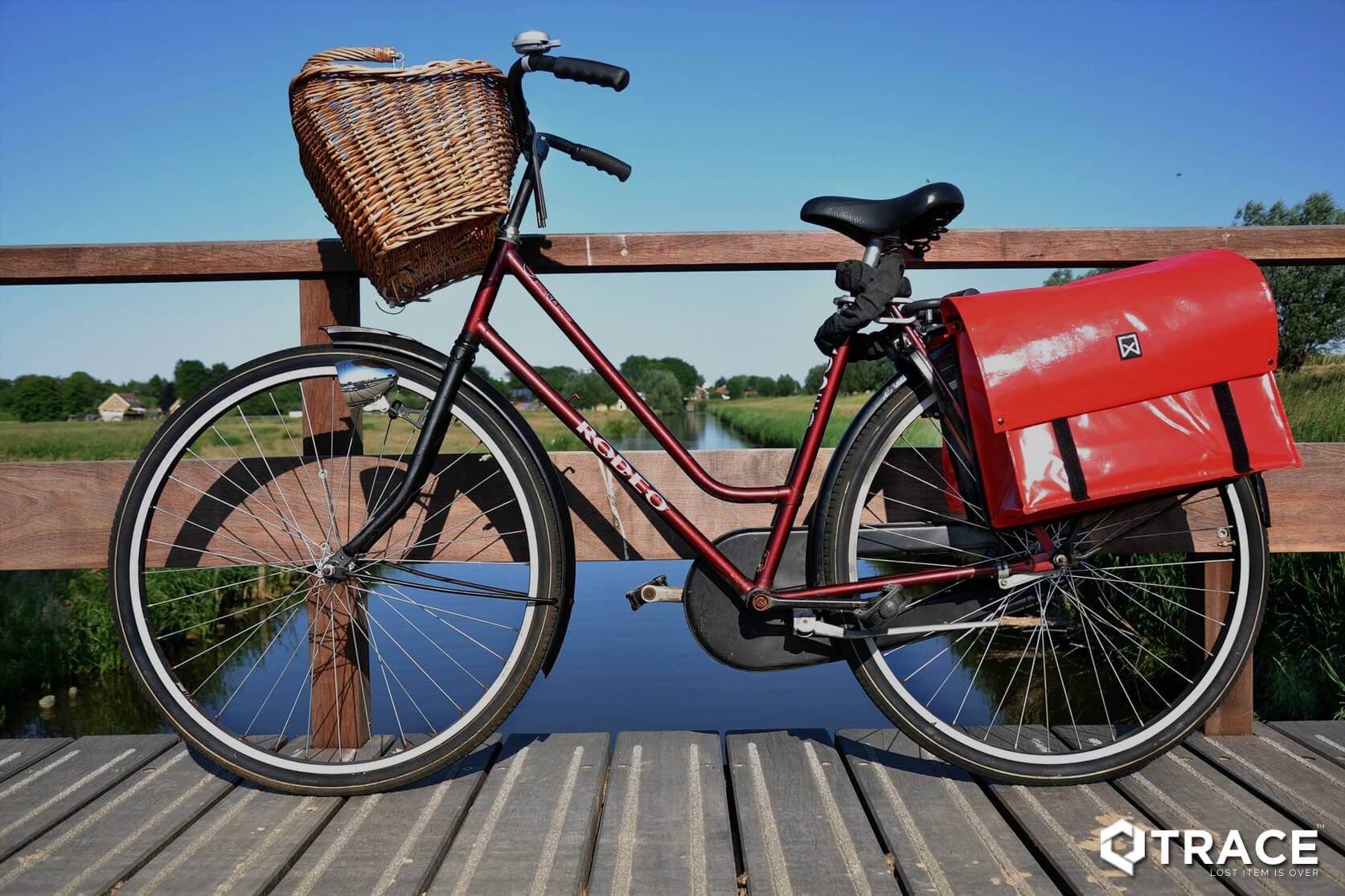
If your purse remains within Bluetooth range, use the supported ringing feature to help find it. Listen for the tracker’s sound and check nearby places. However, the ringing feature needs a working connection between your phone and the tracker.
Find Your Purse or Misplaced Phone
If the connection drops, check the last-connected location, where the app supports this feature. This record can suggest where to begin your search. However, it shows the last connection point, rather than your purse’s current location. A Bluetooth tracker does not provide continuous GPS tracking everywhere.
Similarly, QTrace’s documented phone-finding feature lets you use the paired device to make your smartphone ring. This can help when you leave your phone on a nearby table or under clothing. However, the feature depends on your connection, app permissions, and phone settings. Therefore, test it on your smartphone first.
Understand QTrace Separation Alarm Limits
The QTrace separation alarm relies on the Bluetooth connection between your smartphone and tracker. Walls, interference, and phone settings can affect that connection. As a result, alerts do not measure an exact distance. Instead, they remind you to check your belongings.
Keep Bluetooth enabled and maintain the tracker battery. Also, allow any background activity that the supported app requires. Before purchasing, confirm current device compatibility and tracking-app availability. These checks help you choose a setup that suits your phone.
Build Better Habits for Everyday Bag Security
A QTrace purse tracker can support everyday loss prevention through compatible finding features and alerts. However, it cannot guarantee theft prevention, personal safety, or item recovery. Keep your bag close and check your belongings before leaving each place. Together, these habits and supported tracking features can help you manage your essentials.
Explore the documented QTrace Bluetooth tracking solution: click here.

